Overview
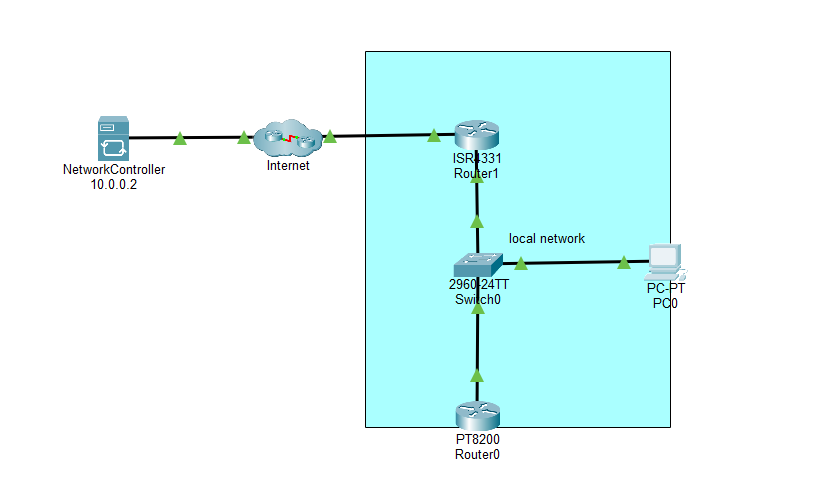
The Network Controller facilitates the creation of licenses, while the PT8200 routers enable the registration and authorization based on the desired performance and technological specifications.
Basic Configuration
On a basic level, you can purchase licenses through a Network Controller and the licenses can be assigned to devices that supports Smart Licensing.
Discovery
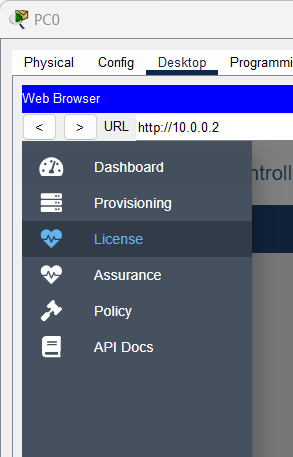
In order for a license to be assigned to a device, the device must be known to the network controller. This can be done through the discovery process provided by the network controller.
See "Configuring Network Controllers" for details on how to navigate to Discovery.
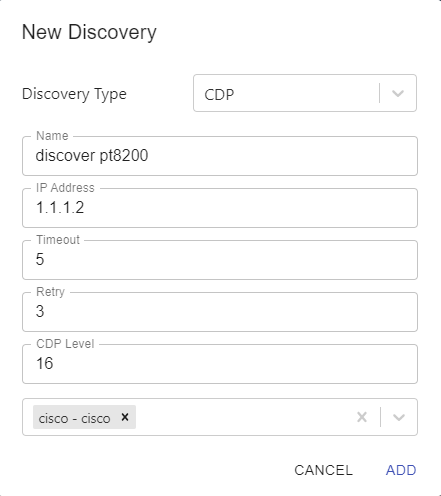
1. Using CDP to discover a PT8200 device:
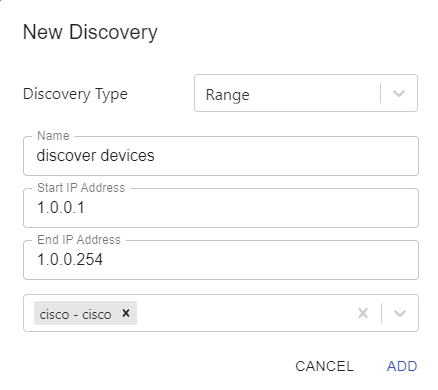
2. Using IP Range to discover multiple devices:
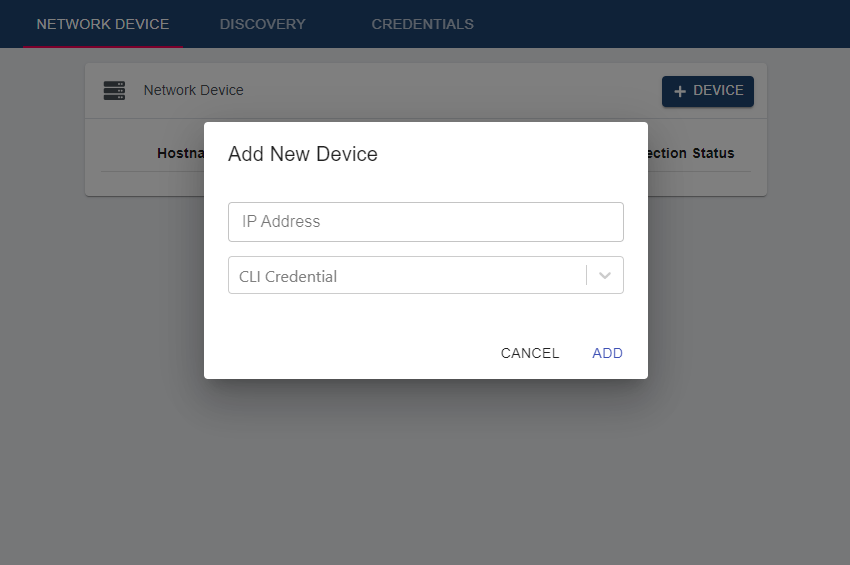
3. Add the device manually through Network Device
Licensing
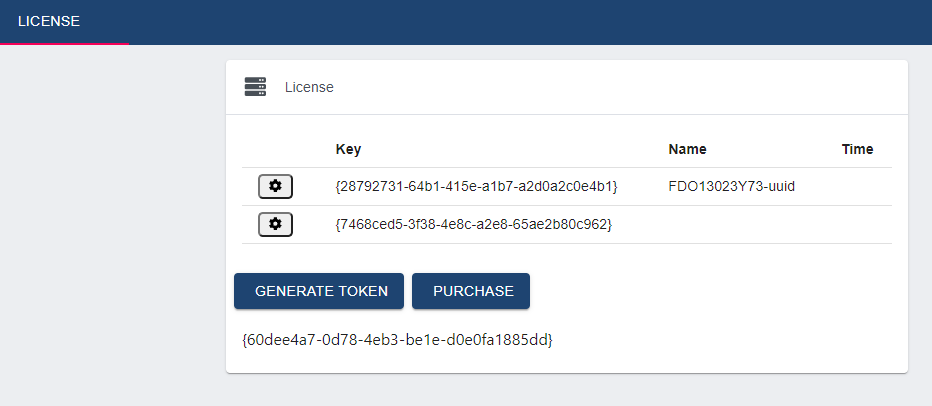
In this section you can purchase licenses and generate a token.
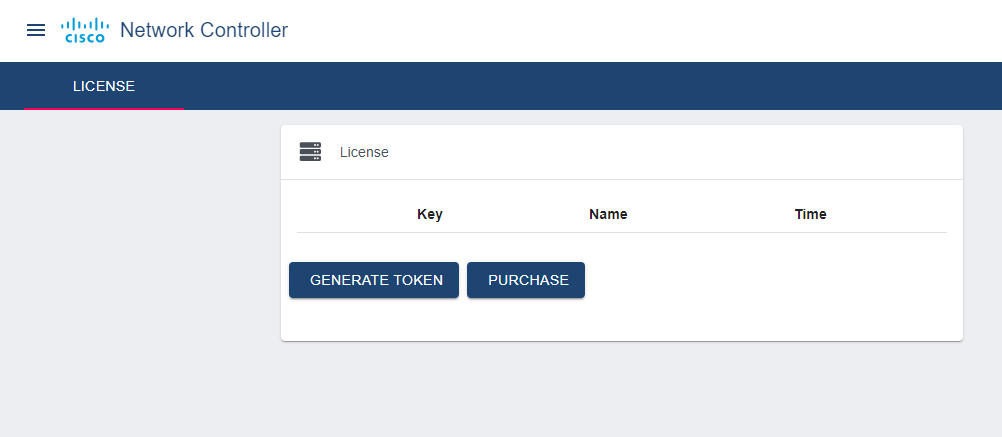
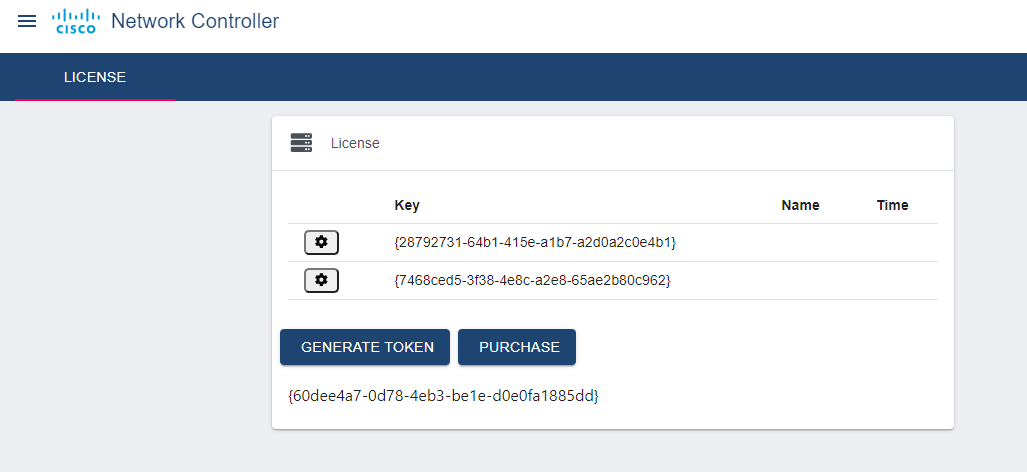
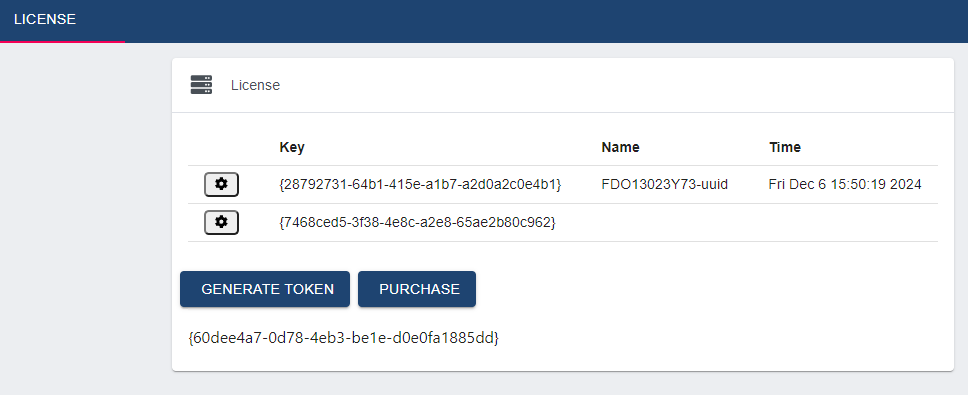
Two licenses were bought: {28792731-64b1-415e-a1b7-a2d0a2c0e4b1} {7468ced5-3f38-4e8c-a2e8-65ae2b80c962}
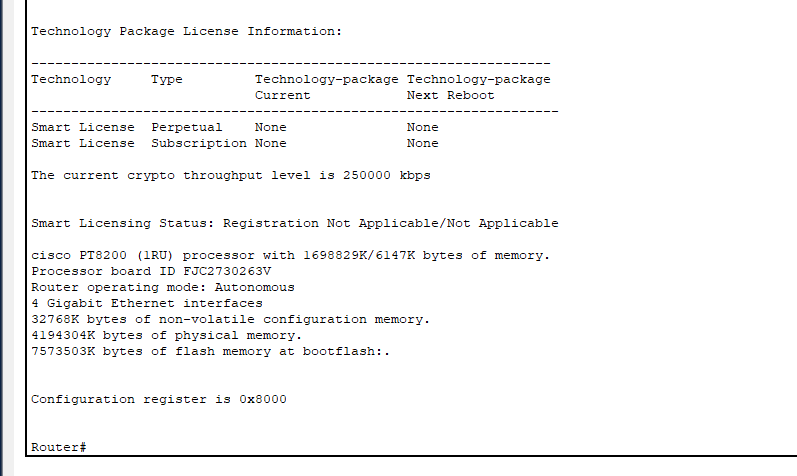
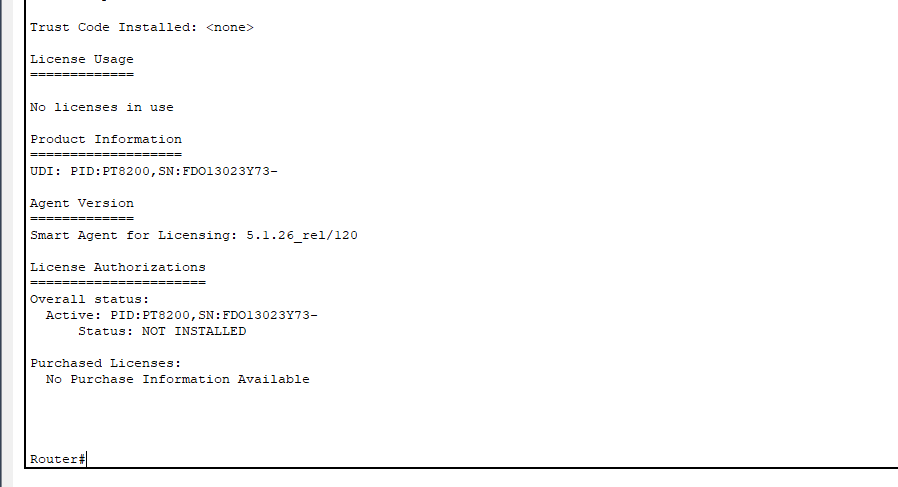
Check License Information
show version:
show license all:
Assing License
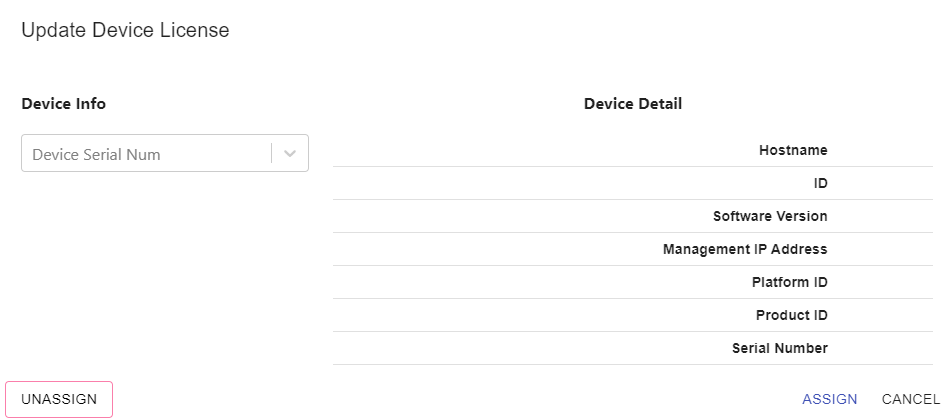
Go back to the License page and click on the gear icon of a license that has not been assigned.