Workspace Things are Thing devices whose UI is composed of HTML. This allows the creation of complex animated objects created in HTML/javascript and whose logic is governed by the Thing’s Programming tab. While not limited to industrial networking, many of those devices can be simulated by the user.
There is a preset template for an HMI Thing in the Component Box.
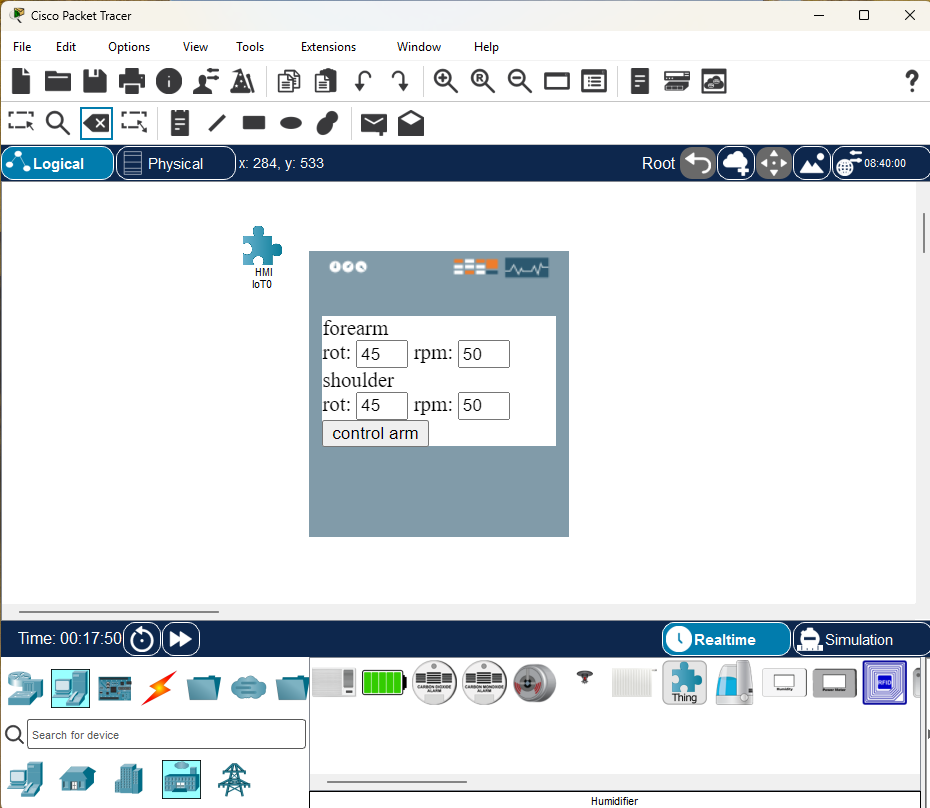
For example, an HMI device with controlling a robotic arm.
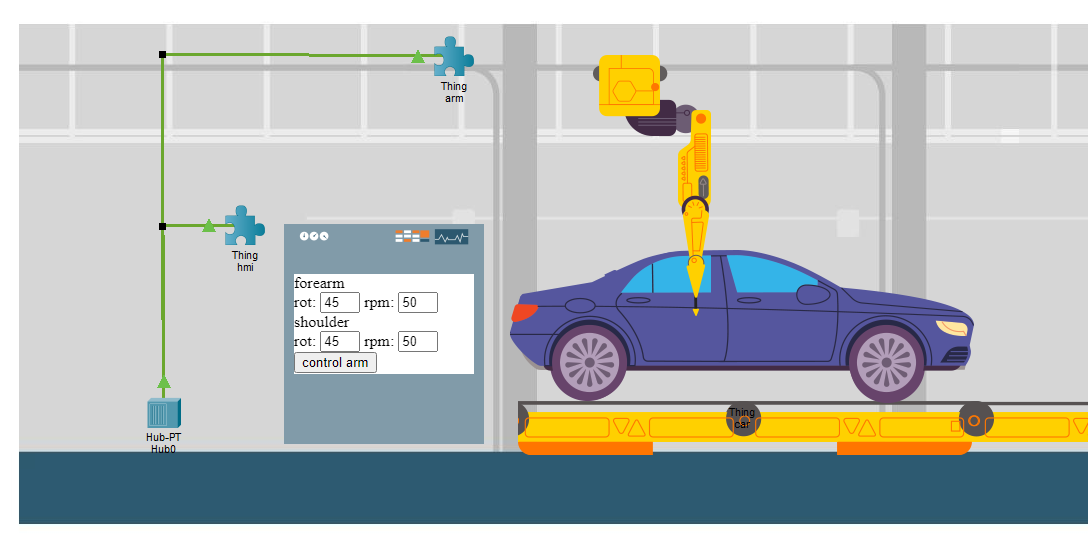
To enable Workspace Things, open the Thing’s I/O Config tab and check “Workspace User App”.
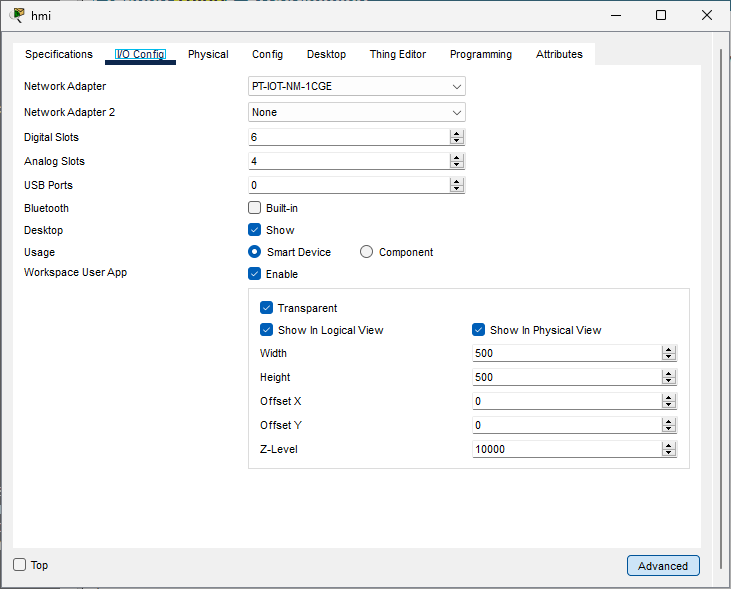
There are sub category options to limit showing the HTML UI of the Thing in just the logical and/or physical workspace. It’s also possible to limit the with, height, as well as adjust x, y, offsets and z-levels.
Furthermore, the Workspace Things now have access to the OT protocol through the Programming tab. So it is possible to add PROFINET, OPC-UA, CIP, IEC-61850, or Modbus functionality to the Things.
Workspace Things are generic constructs for creating items on the workspace using HTML and JavaScript. They provide a blank canvas, and when combined with Packet Tracer’s OT protocol APIs, enable the creation of various industrial machines and components. While it is possible to create 3D model representations, this is not recommended, as the Packet Tracer workspace operates in a 2D plane.